Some Revit work is skilled. A lot of it is simply repetitive: numbering, tagging, counting and placing the same thing again and again. Repetition is where people make mistakes, and where a small tool pays for itself within a week.
Here are three automations we built in 2026 and what each one changed.
Operating theatre panels: same size, same number
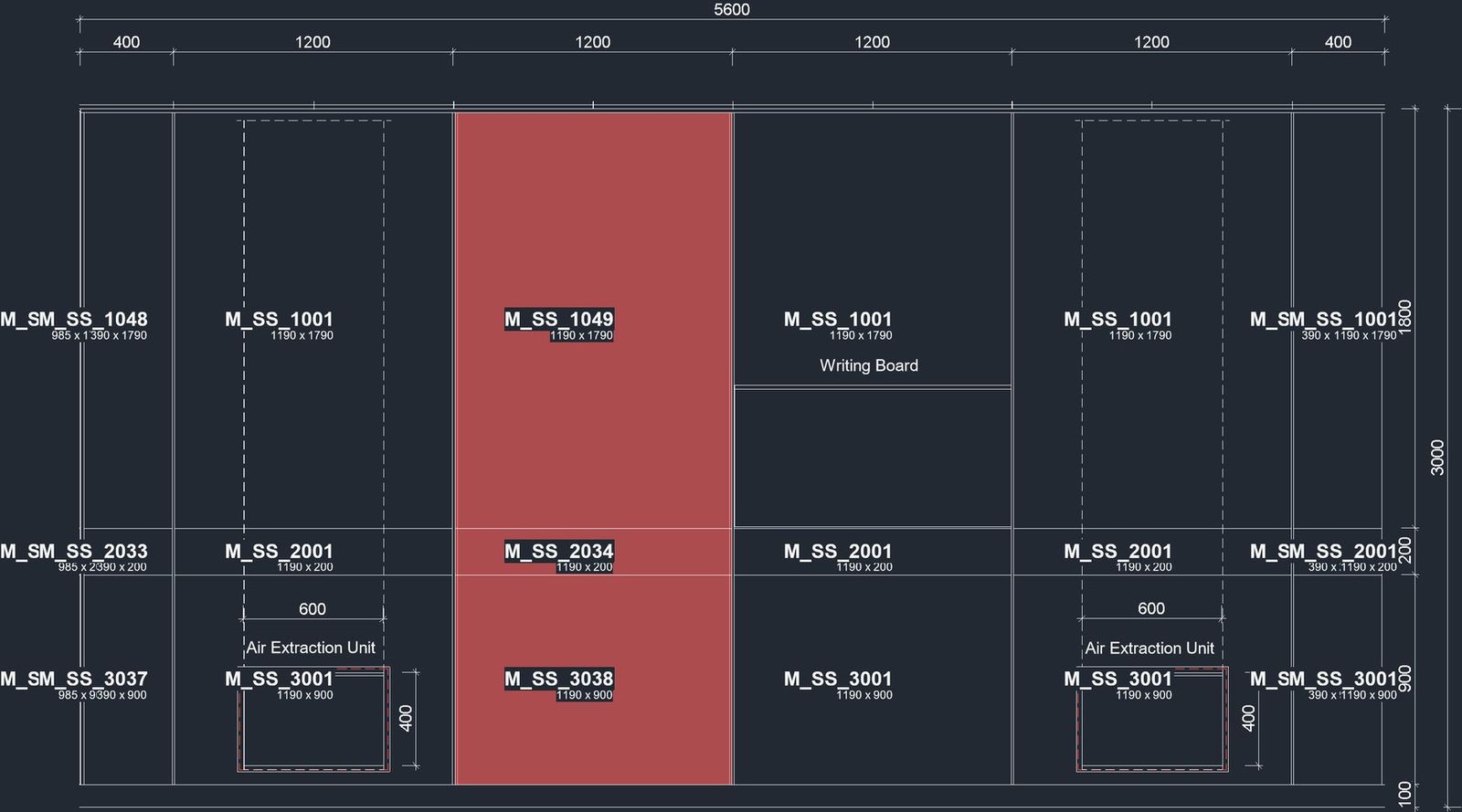
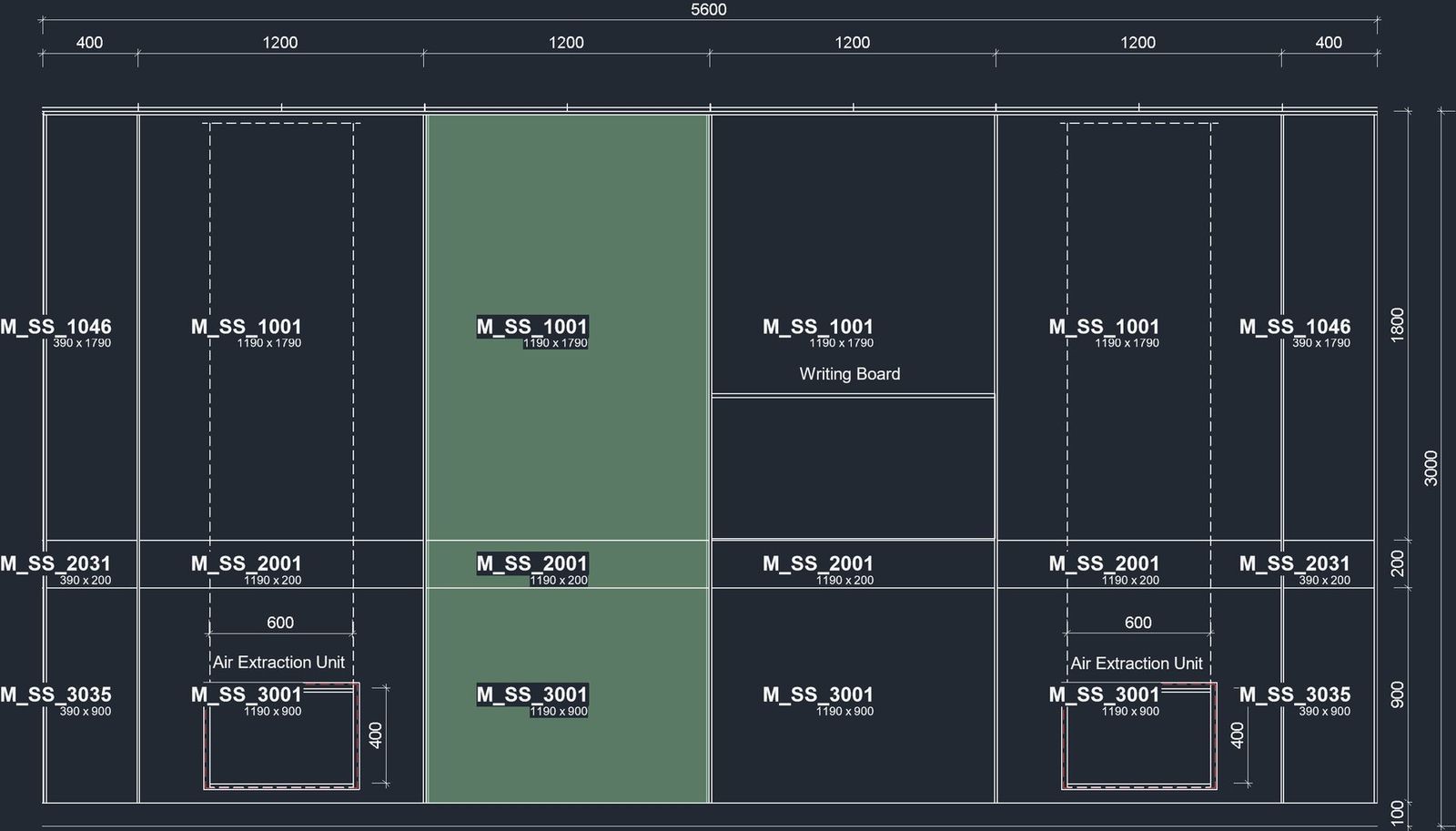
A European medical-technology company was numbering the wall panels in its operating theatres by hand. The same panel carried three different numbers depending on who had tagged it, and overlapping tags made the drawings hard to read.
We set one simple rule: panels with the same size and material get the same number. The tool numbers and tags every panel, and every release is checked across 80 elevations and sections.
- Overlapping tags: from 2,122 to 0
- Panels numbered and tagged: 283 of 283
- Views verified per release: 80
Ceiling take-off, straight into Excel
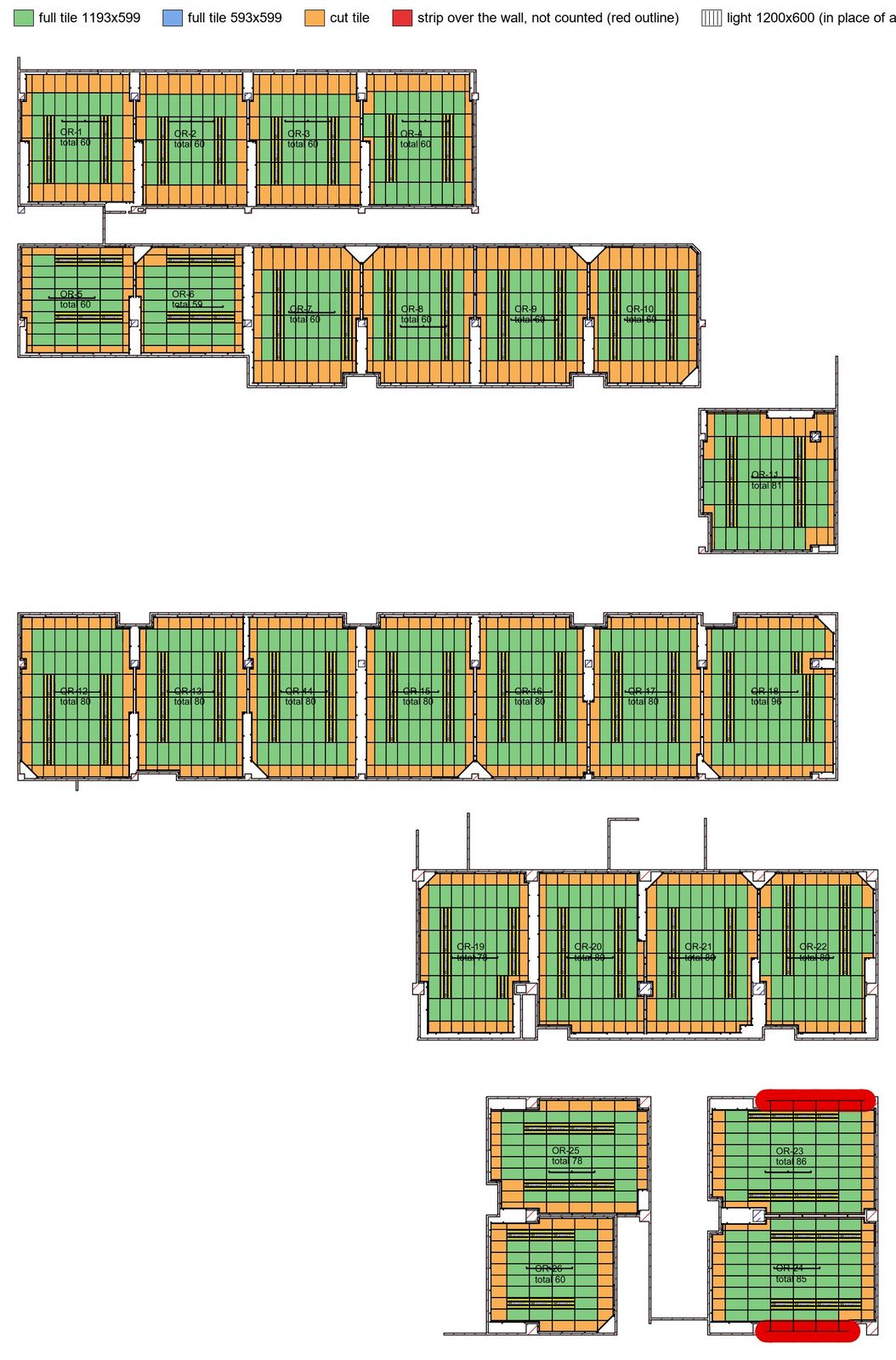
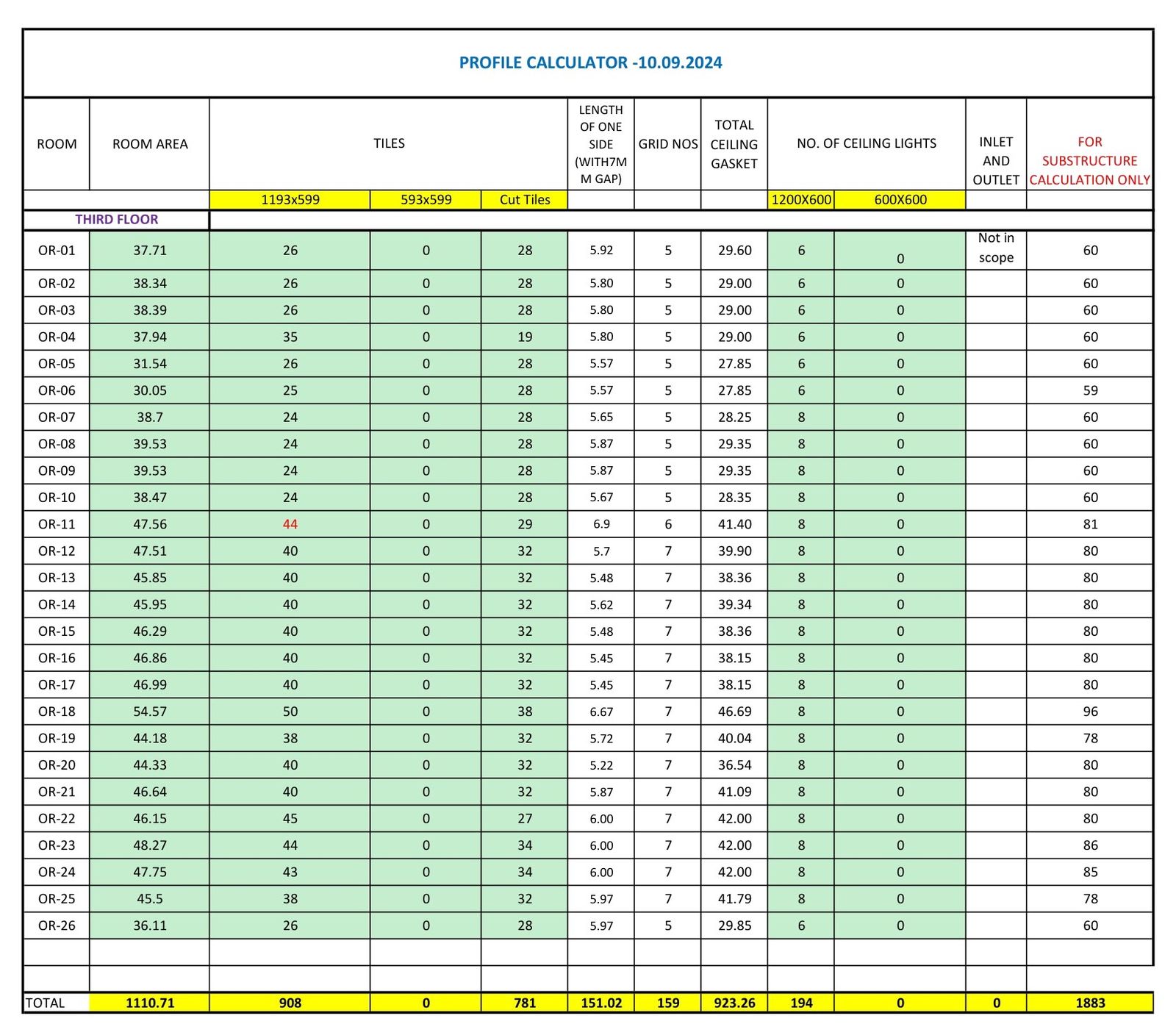
Estimators were counting ceiling tiles and lights room by room. The tool classifies every ceiling element as a full tile, a cut tile or a light, across 27 rooms in one run, and writes the counts into the estimator's own workbook, in the format they already use.
Worktops by rule
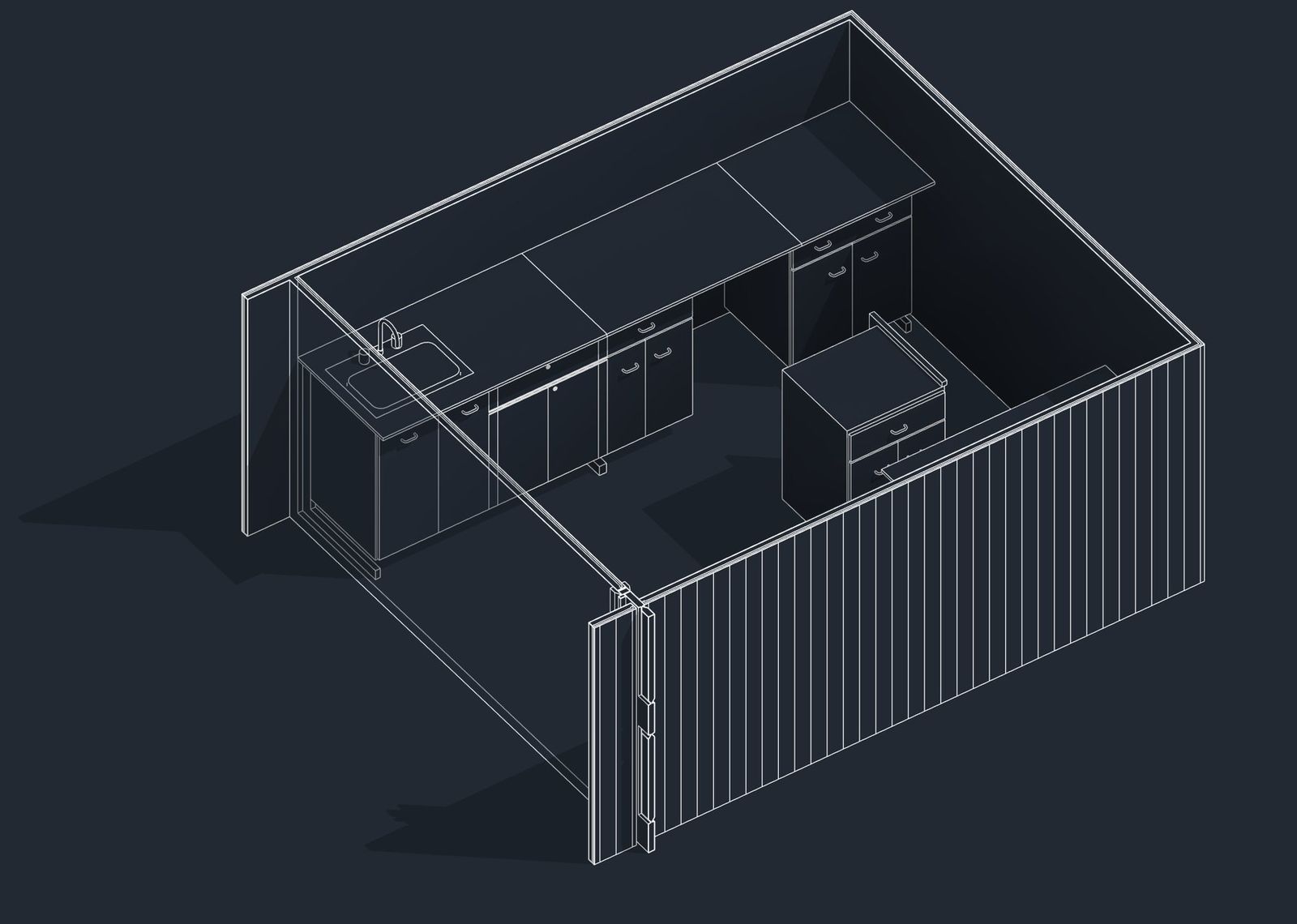
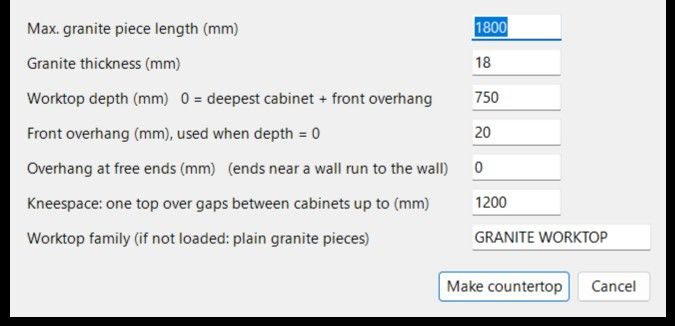
For an interiors project, worktops had to be split into granite pieces by rules the client already used: a maximum piece length, overhangs and kneespace gaps between cabinets. The rules are set once in a dialog, and the layout engine places worktops along every cabinet run. On the test run it reproduced the client's own split exactly: 1,380 + 1,200 + 820 mm.
The pattern behind all three
None of these tools is clever. They work because the rule is clear.
- Write the rule down first. If people can't agree on the rule, a script won't fix it.
- Output into the tools people already use: their Excel, their tags, their views.
- Check every release automatically, across every view.