View All Services
An overview of our cutting-edge AI solutions.
Custom AI Solutions
Tailored AI systems built for your specific business needs
Machine Learning Models
Advanced ML models that learn and adapt to your data
AI Automation
Streamline processes with intelligent automation
Predictive Analytics
Data-driven insights for better decision making
AI Strategy & Consulting
Strategic guidance for AI transformation
Web Development
Fast, modern websites and web apps built to convert
App Development
Native and cross-platform mobile apps for iOS and Android
AI-built BIM for AEC
Revit models, rebar, MEPF and BOQ from your drawings in 24–48 hours
08 · In-house AI product
A BOQ engine that prices a drawing and never fakes a number
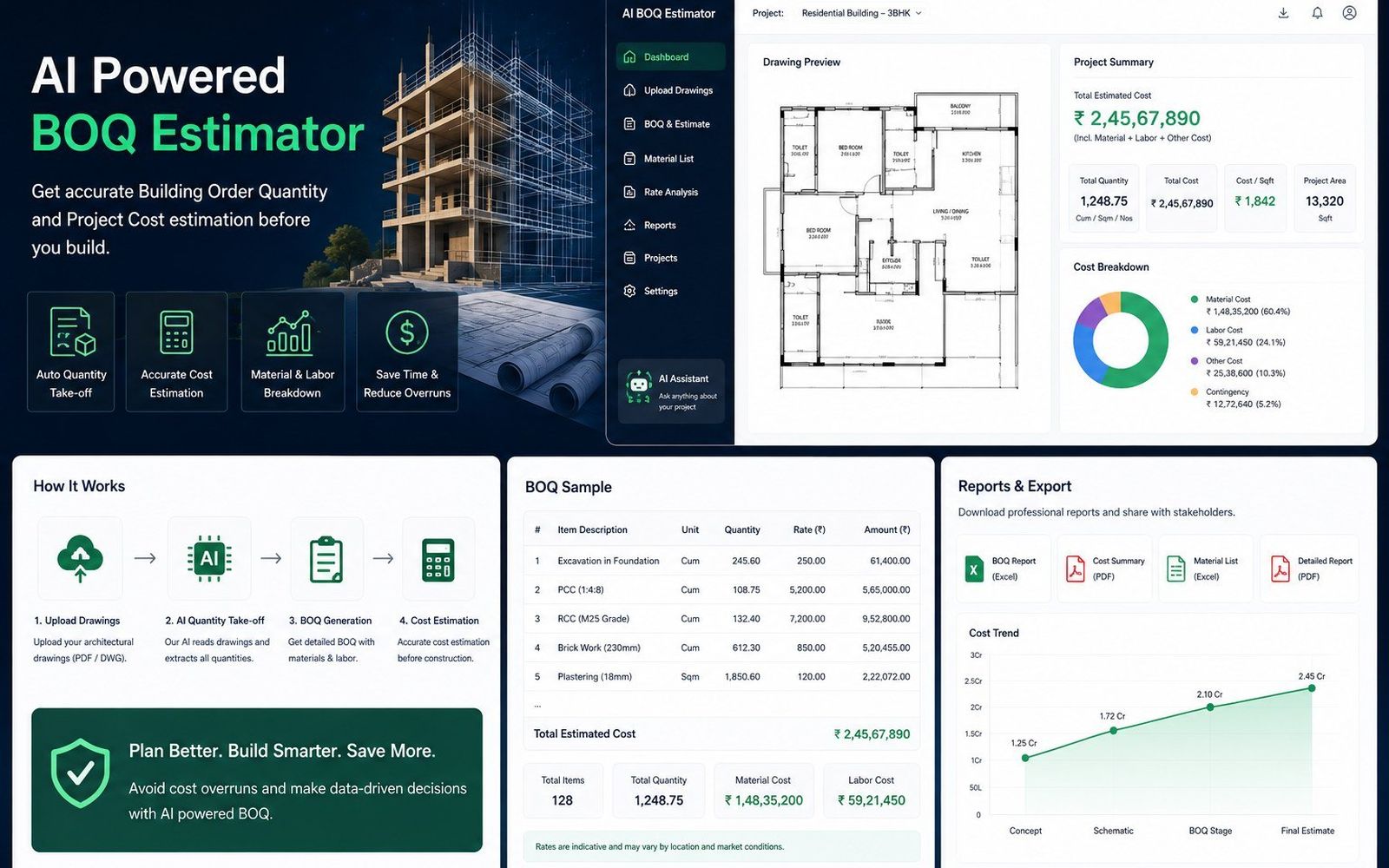
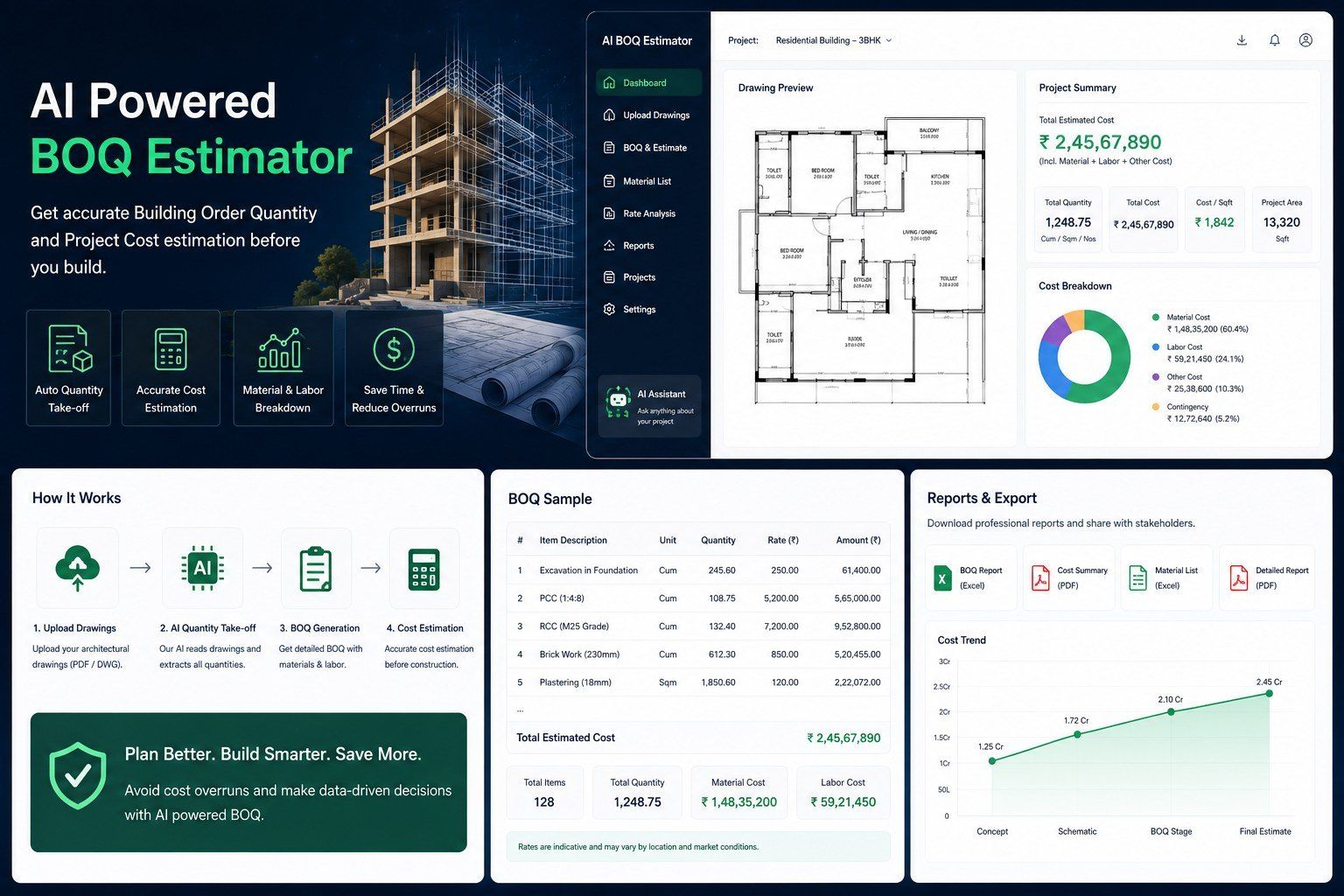
Turns a 2D architectural plan (DXF / DWG) or a 3D IFC model into a priced, itemised bill of quantities across 200+ material lines: measured off the drawing, priced against a rate schedule with wastage, overhead, contingency and GST, and exported as a one-page client quote plus Excel, HTML and Word.
- Scope
- Quantity take-off · Estimation
- Deliverables
- Client quote · BOQ in Excel, HTML, Word, JSON
- Year
- 2026
- 200+
- Material lines from a drawing
- 4 steps
- Upload, read, rates, estimate
- 296 / 296
- Self-checks on real drawings
01 · What the engine read
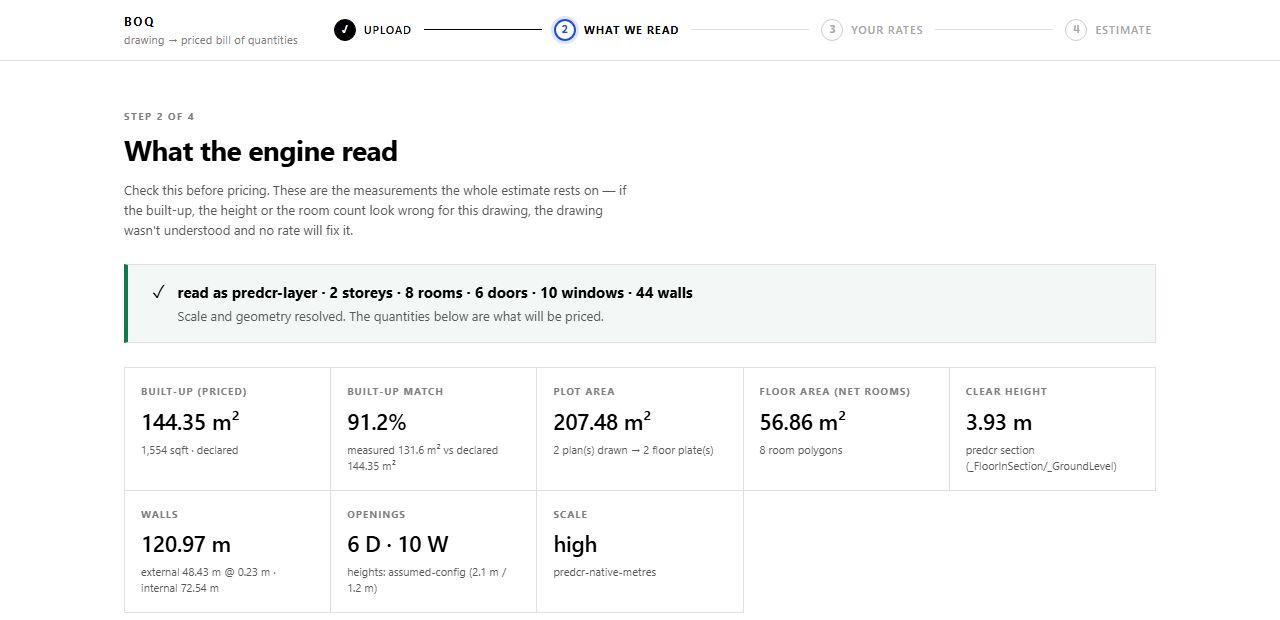
Check the read before you price it.
Every BOQ line traces to a quantity tagged measured, declared, thumb-rule or unverified. Before any rate is applied, the engine shows what it read (built-up area, walls, openings, rooms, scale) so a misread drawing is caught before it is priced.
02 · The estimate
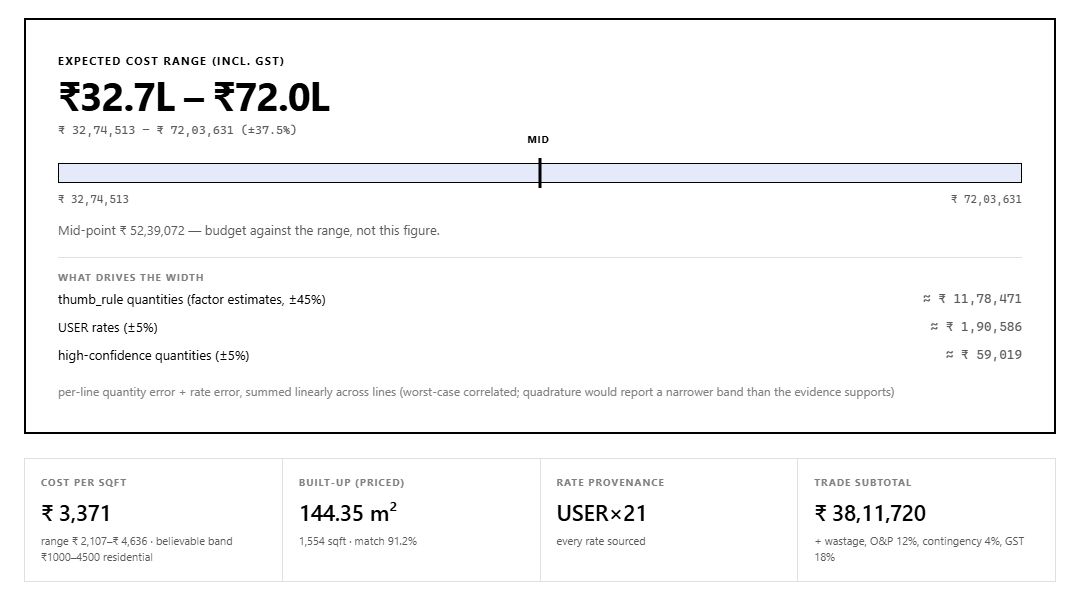
A range you can budget against.
The estimate is an honest range, not a single falsely precise figure. Its width comes from which quantities were measured and which rates were sourced, and anything estimated rather than measured says so, on the client-facing quote too. When the drawing changes, the BOQ re-costs immediately.
Next step
Send us one package.
A live package your team would spend two to three weeks on. A checked Revit model back in 24–48 hours.
Start a pilotNext case study
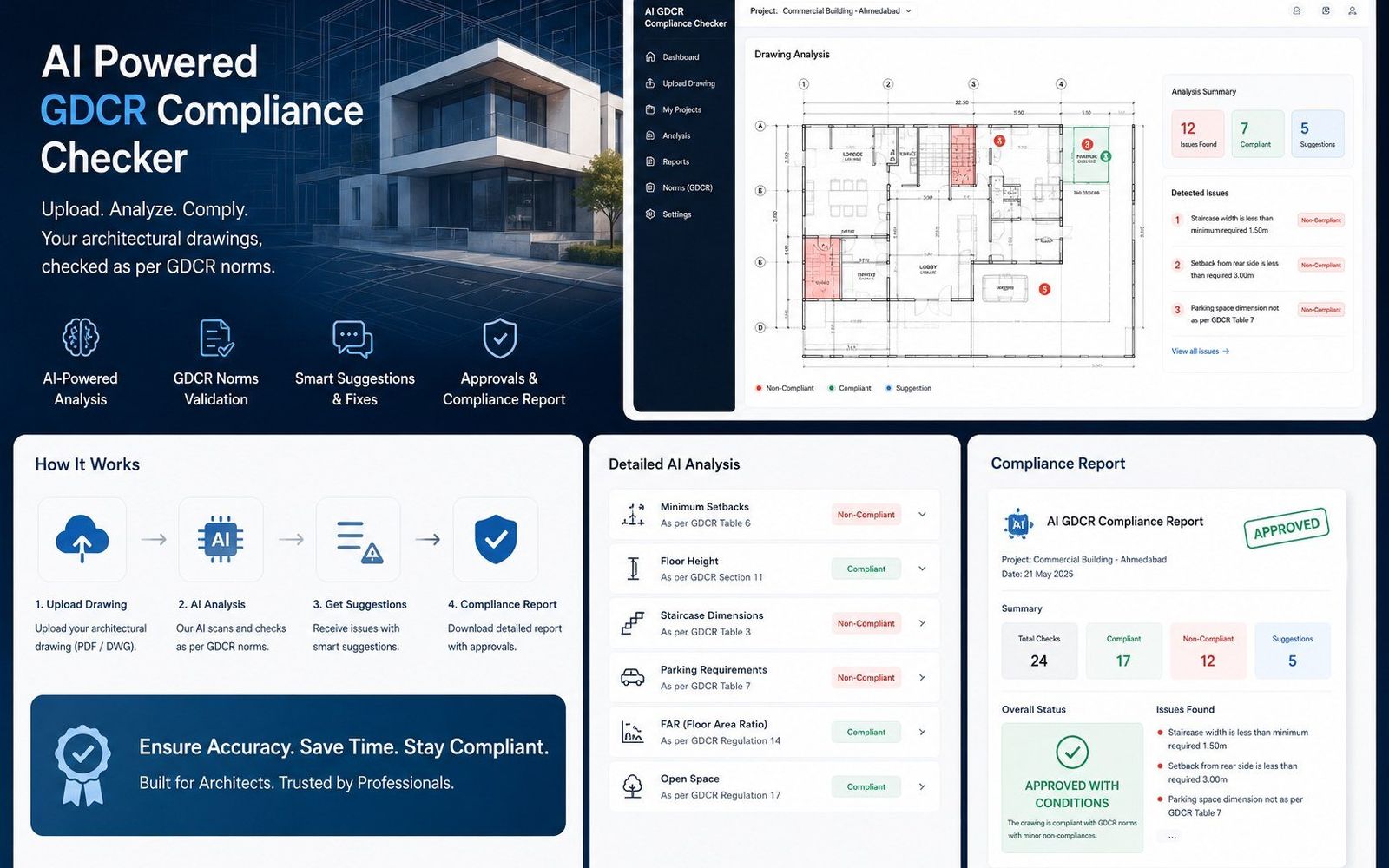
CGDCR plan checker →